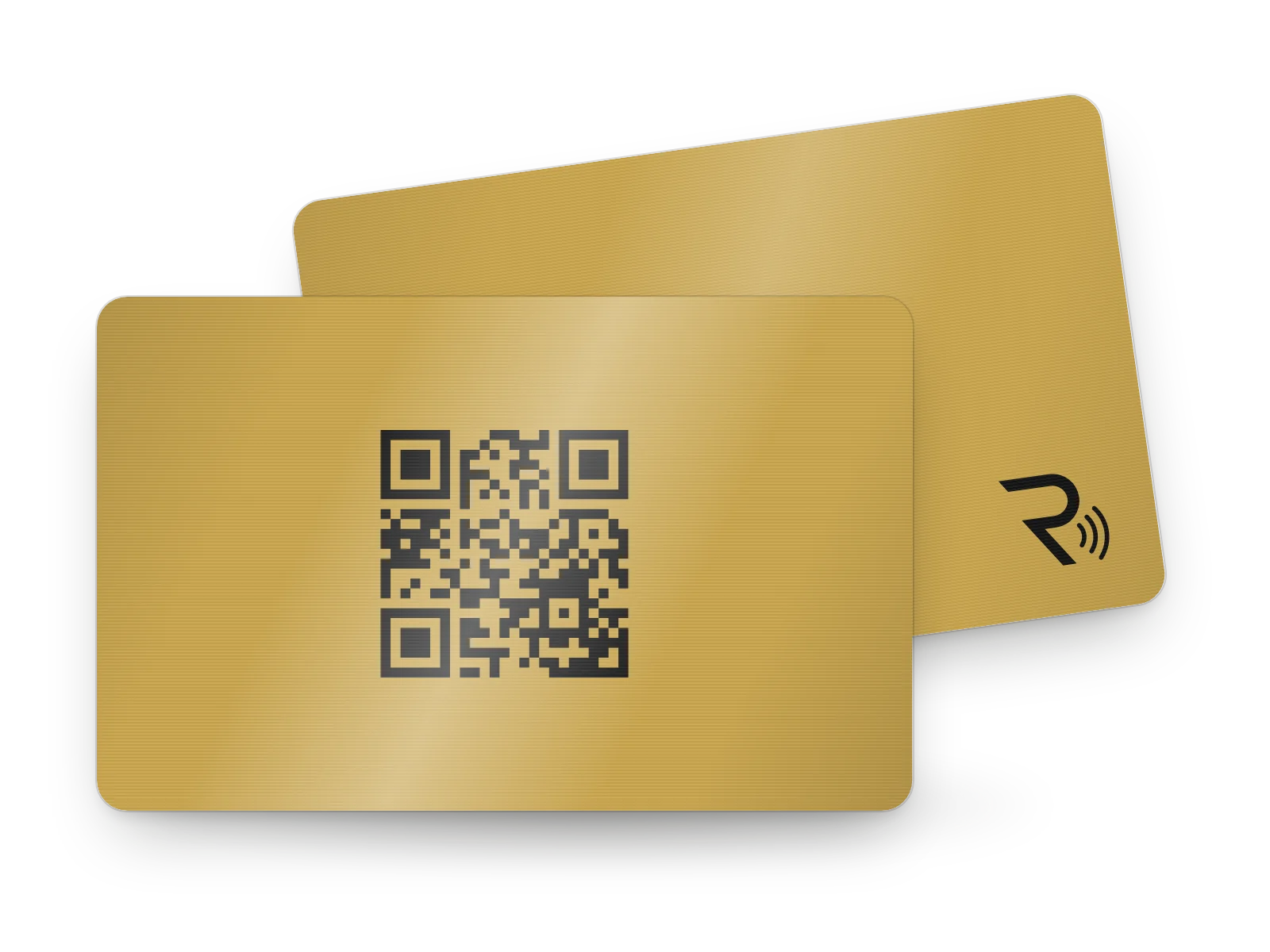
All the products
The cards, the stands and the stickers
Sizes and colours for each, so you can compare them.
You carry the card, and the stands and stickers stay with the tables.
Individual account
For your wallet
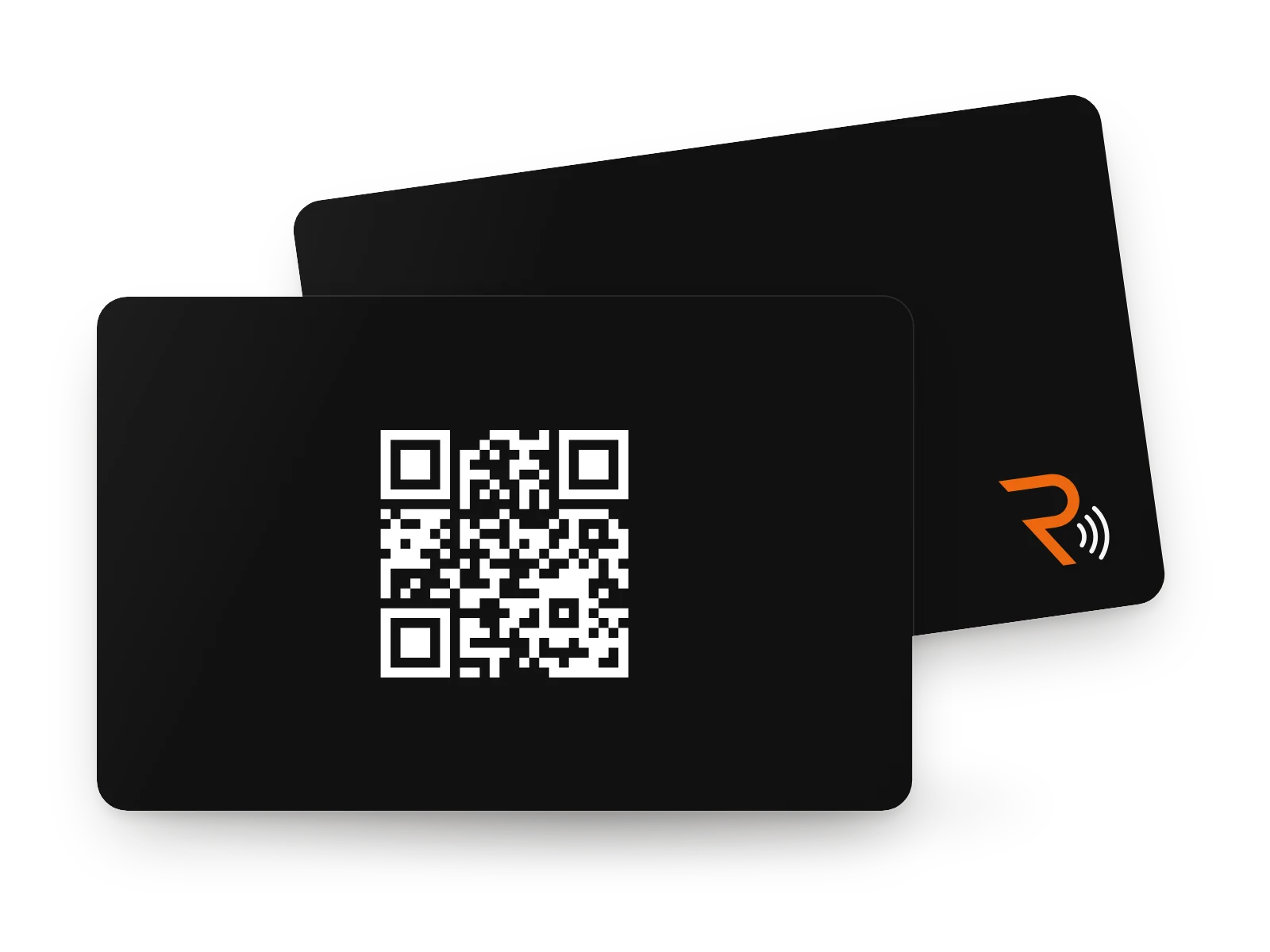
Business account
For your tables
FAQ
Before you choose
Does every stand need its own account?
No. One business account covers the whole venue: every stand, every sticker and any staff cards. Either kind of account can activate any product. You choose the account type once, and it cannot be switched later.
Can I combine stands, stickers and colours in one venue?
Yes. A black stand on the terrace, a white sticker at the bar, as many of each as you need, all under one business account.
Can my logo go on the stand?
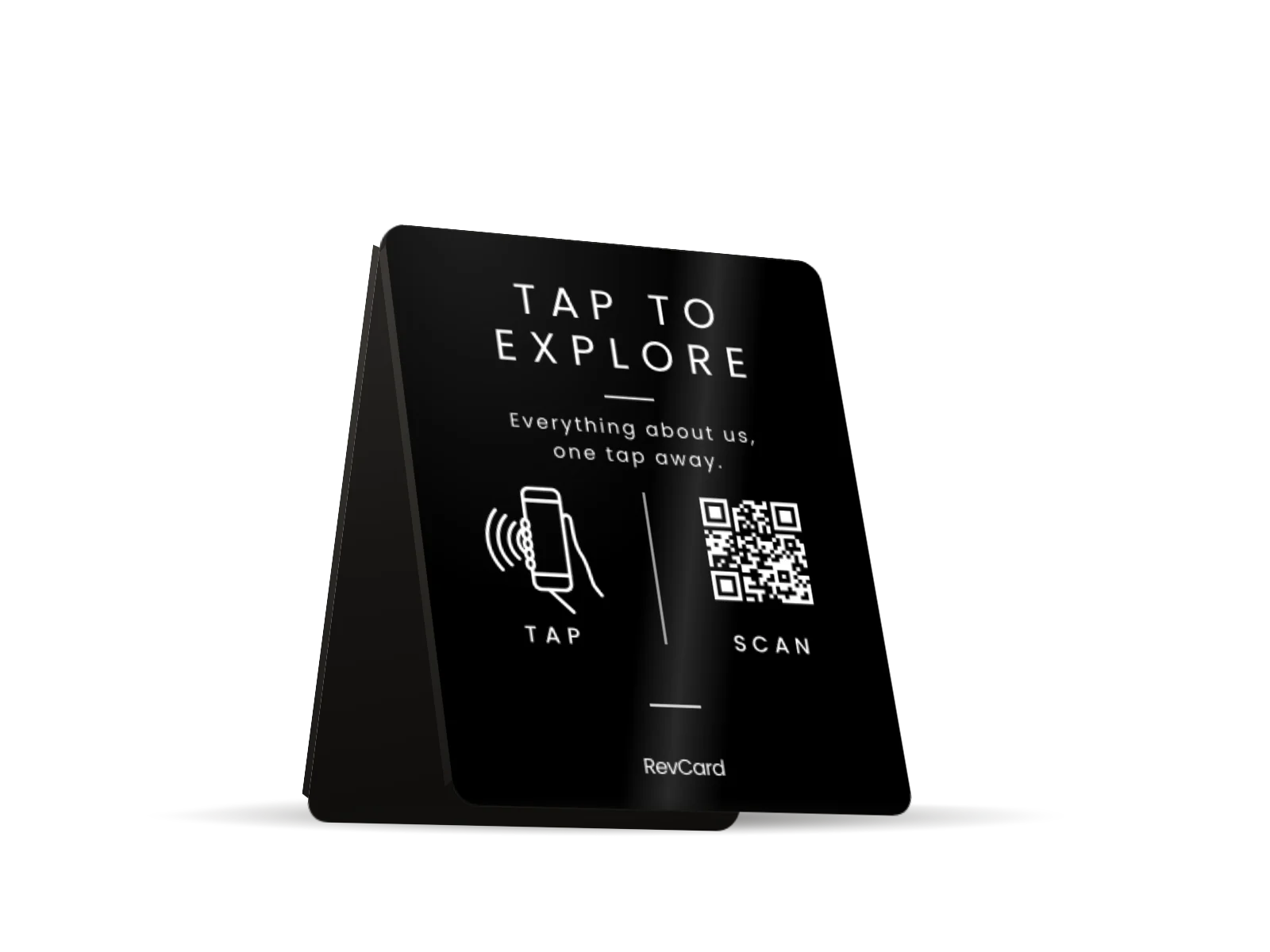
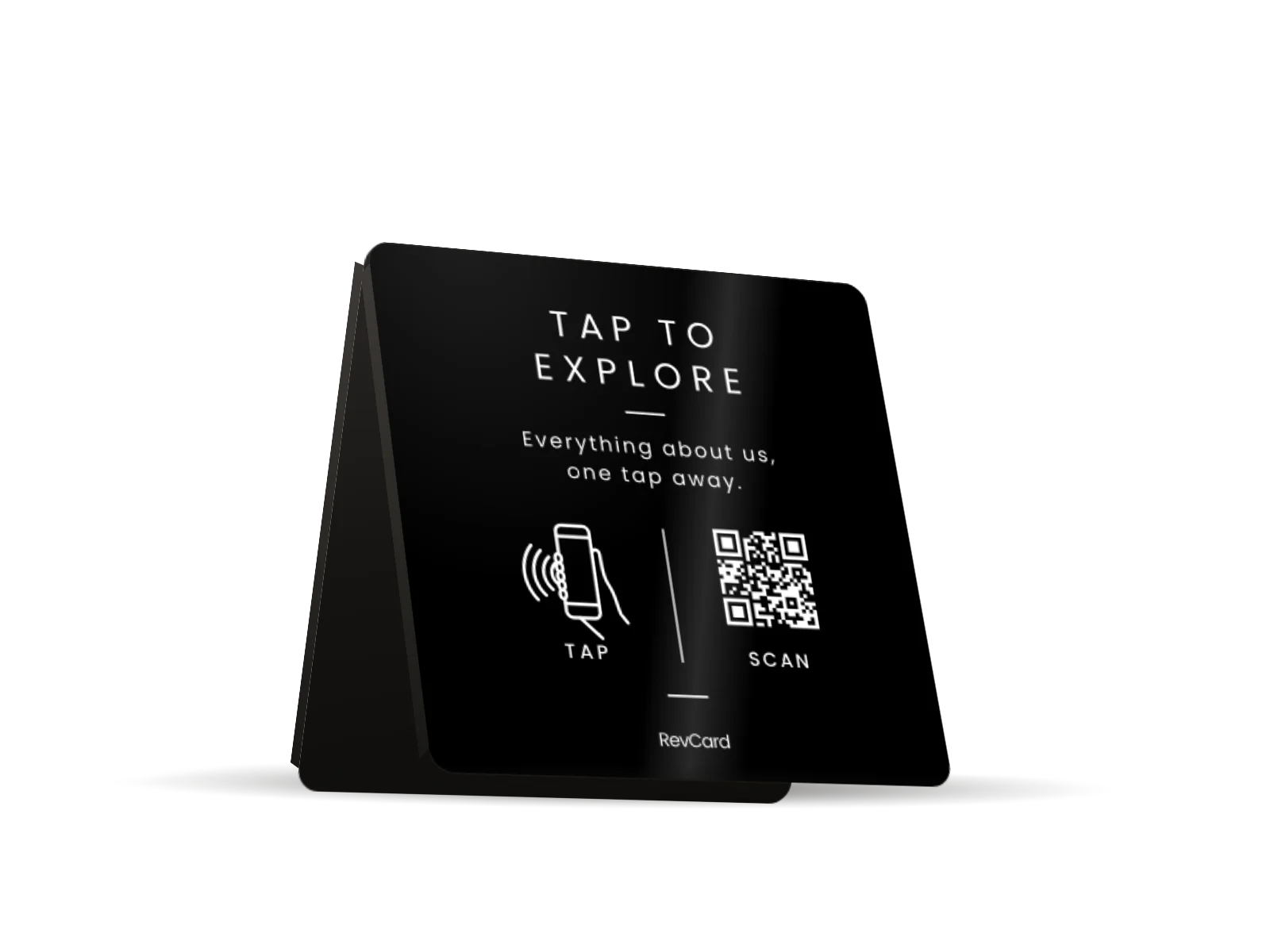
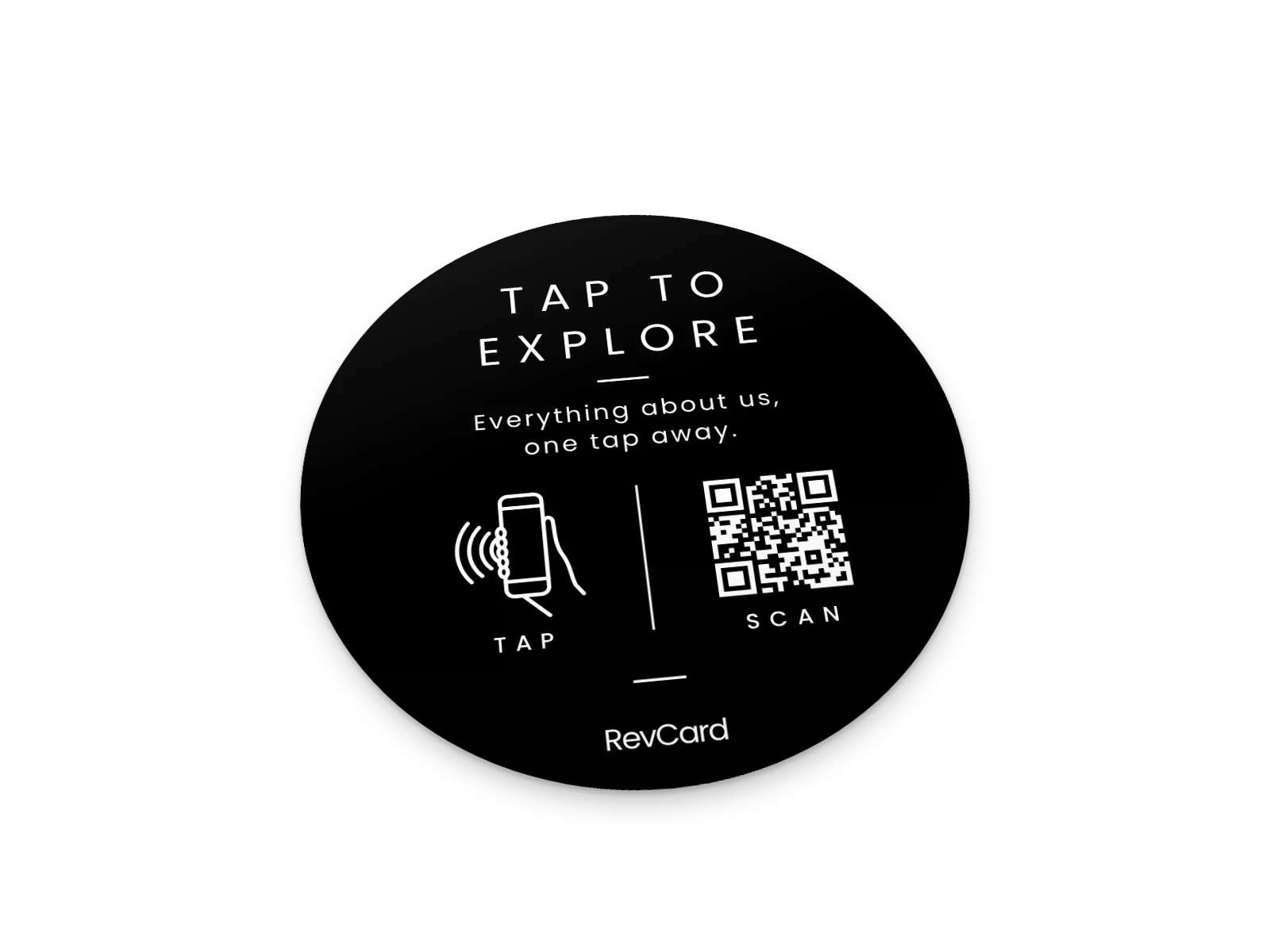
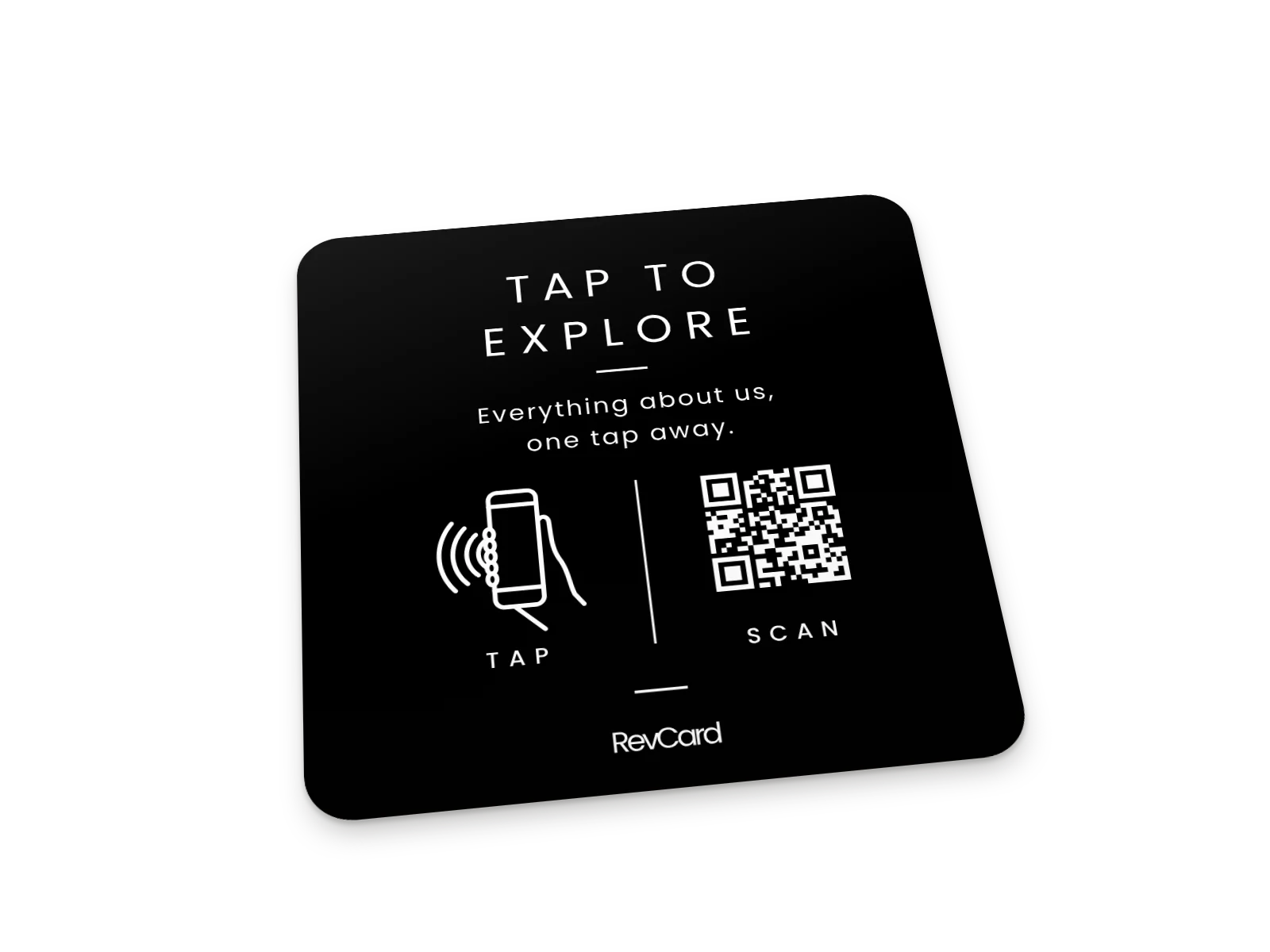
No. Every stand and sticker, black or white, carries the same print: TAP TO EXPLORE. Your logo, your colours and your name are on the page it opens, where every guest sees them.
Which language is printed on the stands and stickers?
English, whichever stand or sticker you choose. The face reads TAP TO EXPLORE, with a short line beneath it and small TAP and SCAN marks beside the QR code. The page it opens is in the languages you set.
Questions about phones, the PIN or a lost card? The How it works page answers them.